Interactive Grid : add row using javascript

The Add row button of an editable grid will add a new row right under the current selection :

The add row action of the button will invoke by default the "selection-add-row" action of the IG.
If the user wants to always add a row on the top of the IG then we can do this :
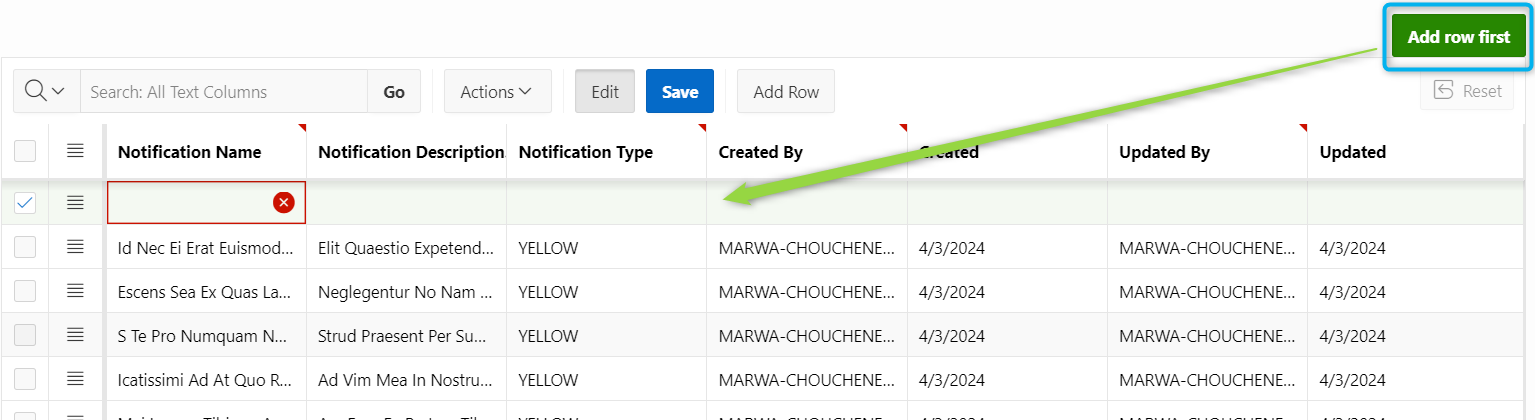
1- Create a Button : Add row first
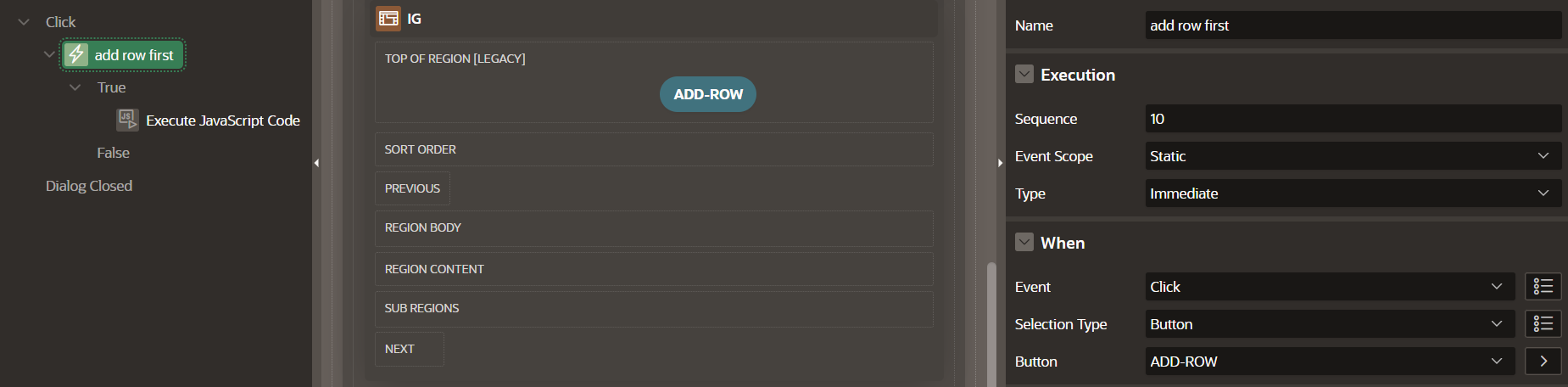
2- Create a javascript dynamic action when clicking the button : apex.region('igNotifications').widget().interactiveGrid("getActions"). invoke('row-add-row');

Tip : To list all the actions of the IG :
apex.region("id-region-emp").widget().interactiveGrid("getActions").list()
